Three private minutes after a hard call.
Talk with Sanora for about 3 minutes on your phone, whenever you choose, and see how today compares with your own earlier check-ins. Your result is yours, and your chief never sees it.
No code yet? Okaya opens through a person. Ask your peer-support lead or an ambassador, or send your chief a note. Nothing to install. For adults 18 and over.
How it works
Open it when you want
Check in after a hard call, a long shift or a training day, on your phone or laptop in the browser.
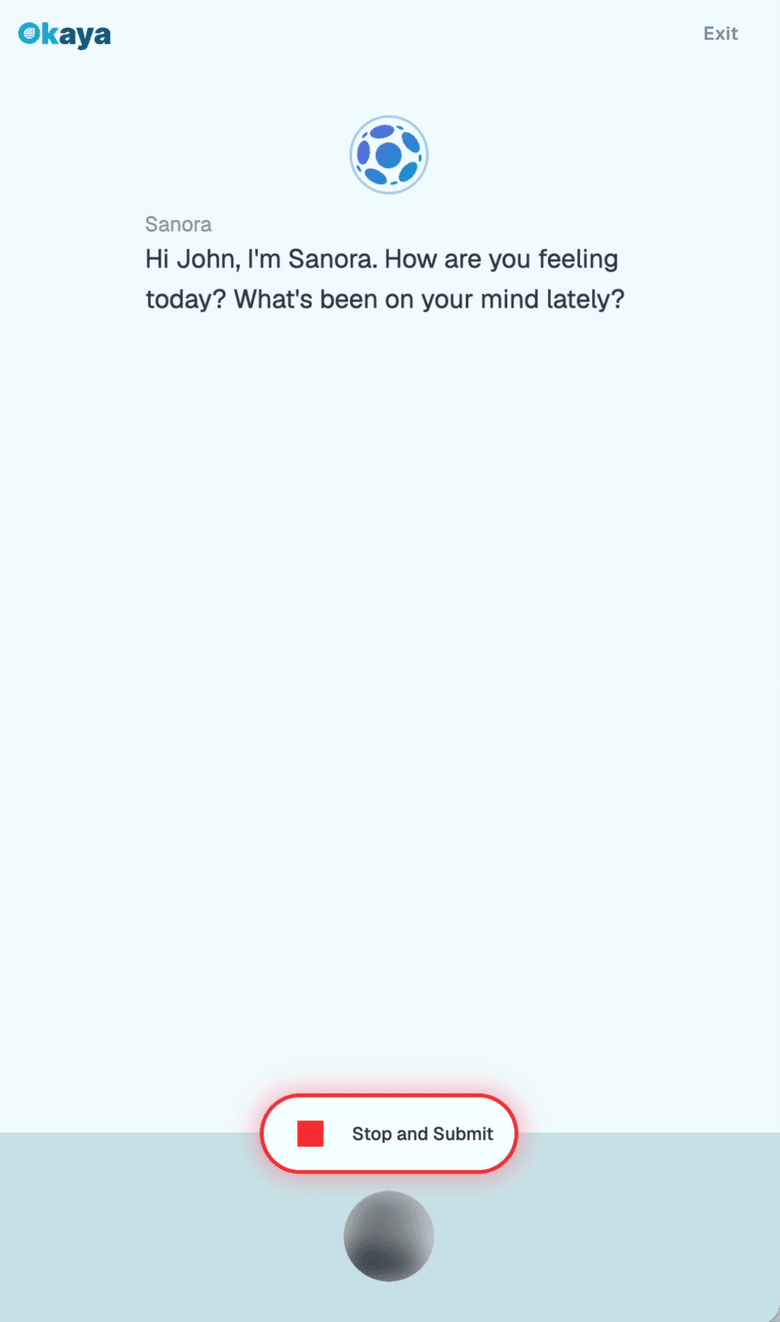
Talk for about 3 minutes
Sanora asks a few questions. Okaya looks at how you sound, what you say and how your expression moves, using points from your face, not a video of you.
See your result
How today compares with your own earlier check-ins, with ideas and resources if you want them.
What you see, and what your chief sees
You see
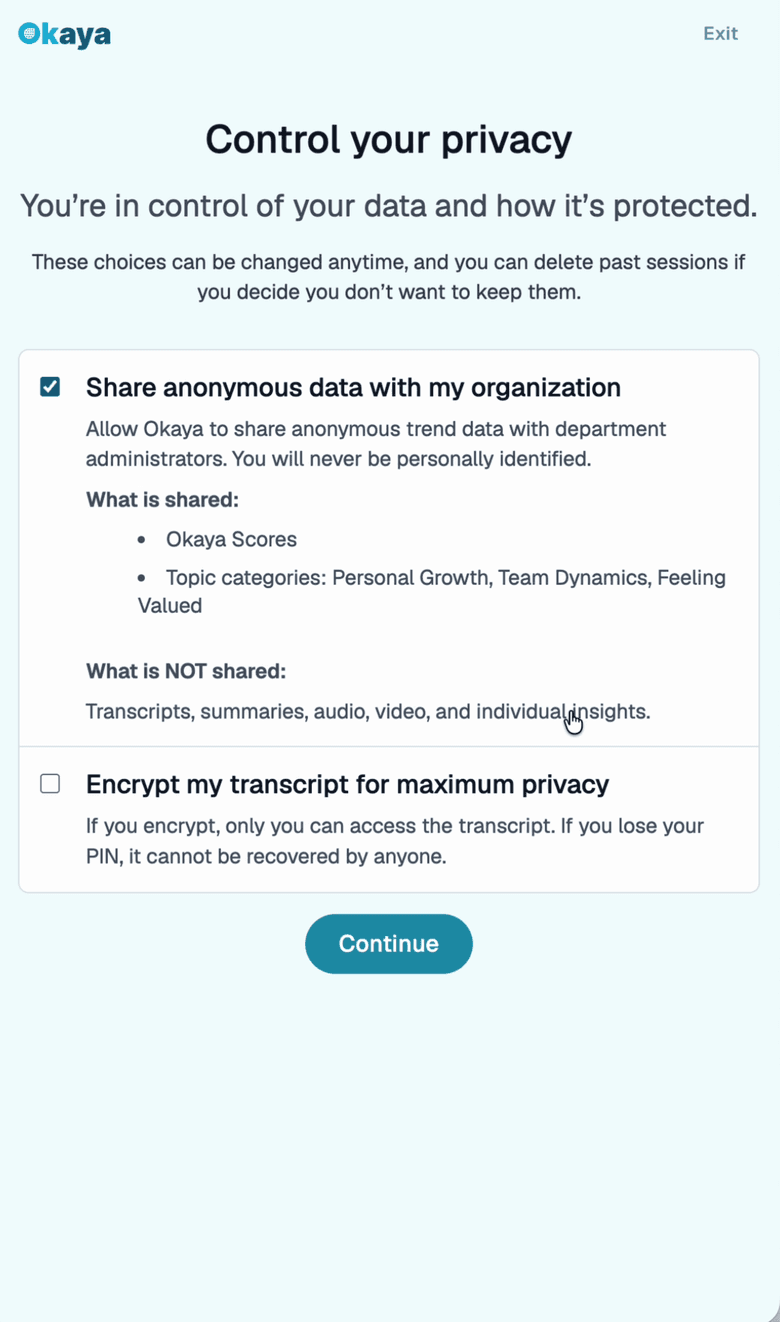
Your result is yours: you see your own score.
No video leaves your phone.
Okaya never identifies who you are from your face. There is no facial recognition.
Your chief sees
Leadership sees group trends only, and only when the minimum number of people are in your group. Never who checked in, how anyone did, or anything they said.
In short
- Okaya is a short, private check-in for firefighters. You talk with Sanora, Okaya's AI guide, for about 3 minutes on your own phone or laptop.
- Your result is yours: you see your own score. Leadership sees group trends only, and only when the minimum number of people are in your group. Never who checked in, how anyone did, or anything they said.
- Okaya is never for discipline, staffing or fitness-for-duty decisions.
Questions
Can my chief see my results?
No. Your result is yours: you see your own score. Leadership sees group trends only, and only when the minimum number of people are in your group. Never who checked in, how anyone did, or anything they said.
Can it be used against me?
No. Okaya is never for discipline, staffing or fitness-for-duty decisions, and no one at your department sees your result.
What does it cost me?
If your department has Standby, you never pay. You join with the code your department or an ambassador gives you.
How long does it take, and do I need an app?
About 3 minutes, on your phone or laptop, in the web browser. Nothing to install.
Does Okaya use facial recognition?
No. Okaya never identifies who you are from your face. There is no facial recognition. No video leaves your phone.
What if I'm having a really bad day?
If something you say sounds like you may be at risk of harm, Okaya asks if you're ok. If you want help, it shows 988, 911 and any contacts your department has set up, like your peer team. By default, no one at your department is told. The safety page at okaya.me/safety explains more.
Want this for your whole department?
Send this to your chief or your peer-support lead. Departments can send a conversation starter after a hard call and see how the group is doing after it, never one person.
Leaders: how departments use Okaya.
A message you can send your chief
A 3-minute check-in for our crew
I've been trying Okaya, a short, private readiness check-in for firefighters. It takes about 3 minutes, my result stays mine, and leadership only sees group trends, never who checked in. Departments can send a conversation starter after a hard call or a training day and see how the group is doing after it. Worth a look: https://www.okaya.me/fire-departments